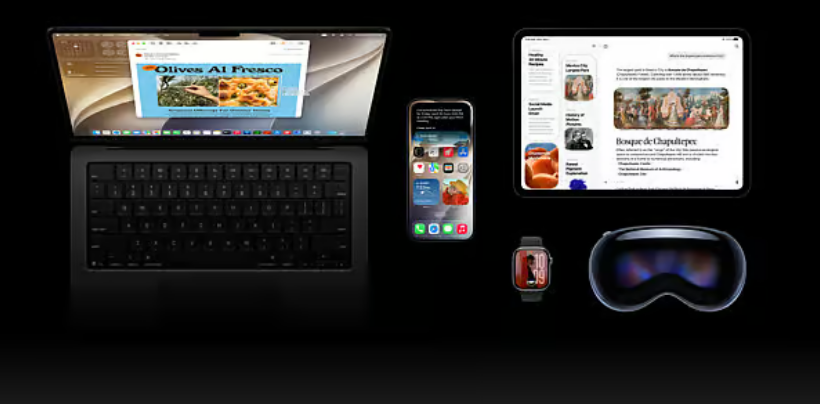
Apple has released the first public beta of iOS 27, offering iPhone users an early opportunity to test the next major version of its mobile operating system ahead of its official launch later this year.
The beta is available through Apple’s Beta Software Programme, allowing eligible users, including those in the UAE, to install the software on compatible iPhones. Apple has cautioned that the preview version is still under development and may contain bugs, app crashes and increased battery consumption, making it more suitable for secondary devices than everyday smartphones.
The headline addition in iOS 27 is Siri AI, Apple’s most significant upgrade to its voice assistant in years. The enhanced assistant is designed to understand more natural conversations, respond to follow-up questions and use personal context from Apple apps to provide more relevant assistance.
Users will be able to ask Siri to locate emails, photos, notes and other content, while the assistant can also perform tasks within supported applications. Apple said the new AI-powered features will initially be available in English and require devices that support Apple Intelligence. As a result, not every iPhone capable of running iOS 27 will have access to the complete set of artificial intelligence features.
The software update also introduces improvements to several built-in applications, including Photos, Safari, Passwords and Shortcuts. Apple has continued refining its Liquid Glass interface, first introduced last year, with changes aimed at improving readability and giving users greater control over transparency effects across the operating system.
Performance enhancements are another key focus of iOS 27. Apple said the update is intended to make everyday tasks feel quicker and more responsive, including launching applications, transferring files through AirDrop and navigating large photo libraries.
For users in the UAE who want to try the beta, Apple recommends creating a complete backup of the iPhone using iCloud or a computer before installation. Users must then register through Apple’s Beta Software Programme using their Apple ID.
After enrolling, the update can be accessed by opening the Settings app, selecting General, then Software Update. From there, users should tap Beta Updates, choose the iOS 27 Public Beta and return to the Software Update screen to begin downloading and installing the software.
Apple noted that if the beta update does not appear immediately, users should confirm that the iPhone is signed in with the same Apple ID used to register for the beta programme.
The public beta marks the latest step before Apple’s full release of iOS 27, which is expected later this year following additional testing and refinement. The company is expected to continue issuing beta updates in the coming weeks as it addresses bugs, improves stability and expands support for new features before the software reaches all eligible iPhone users.